Symbol Draw
A downloadable tool for Windows
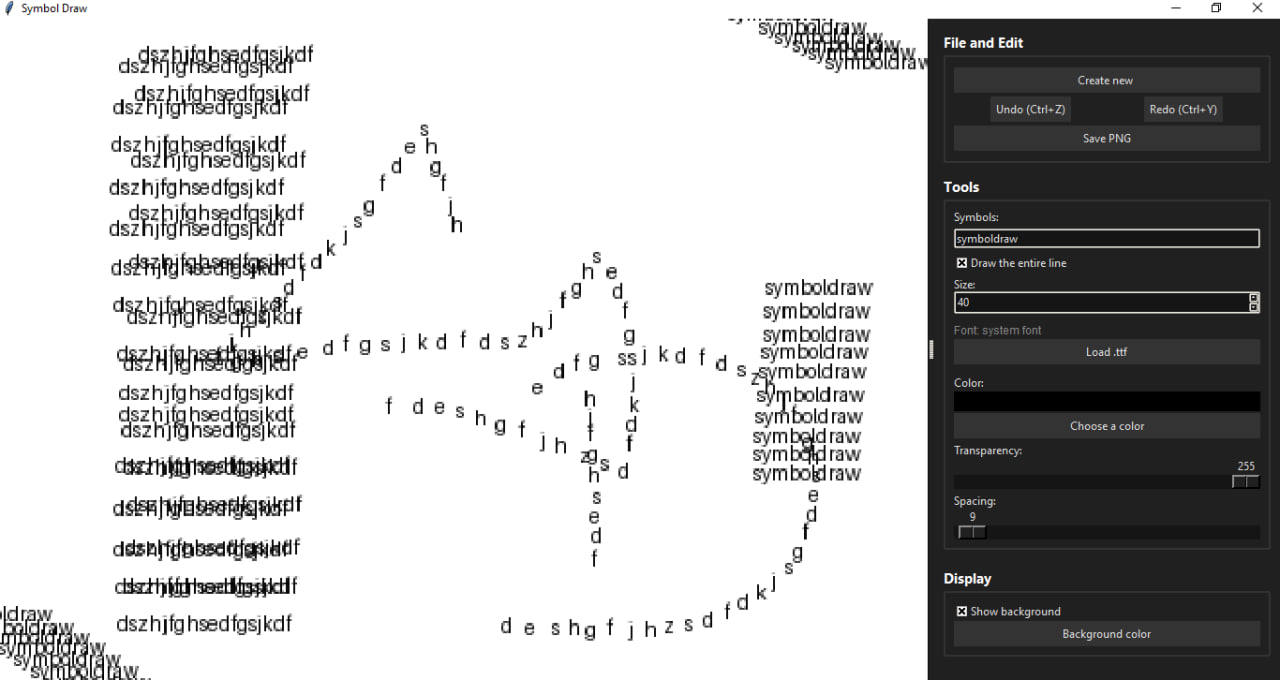
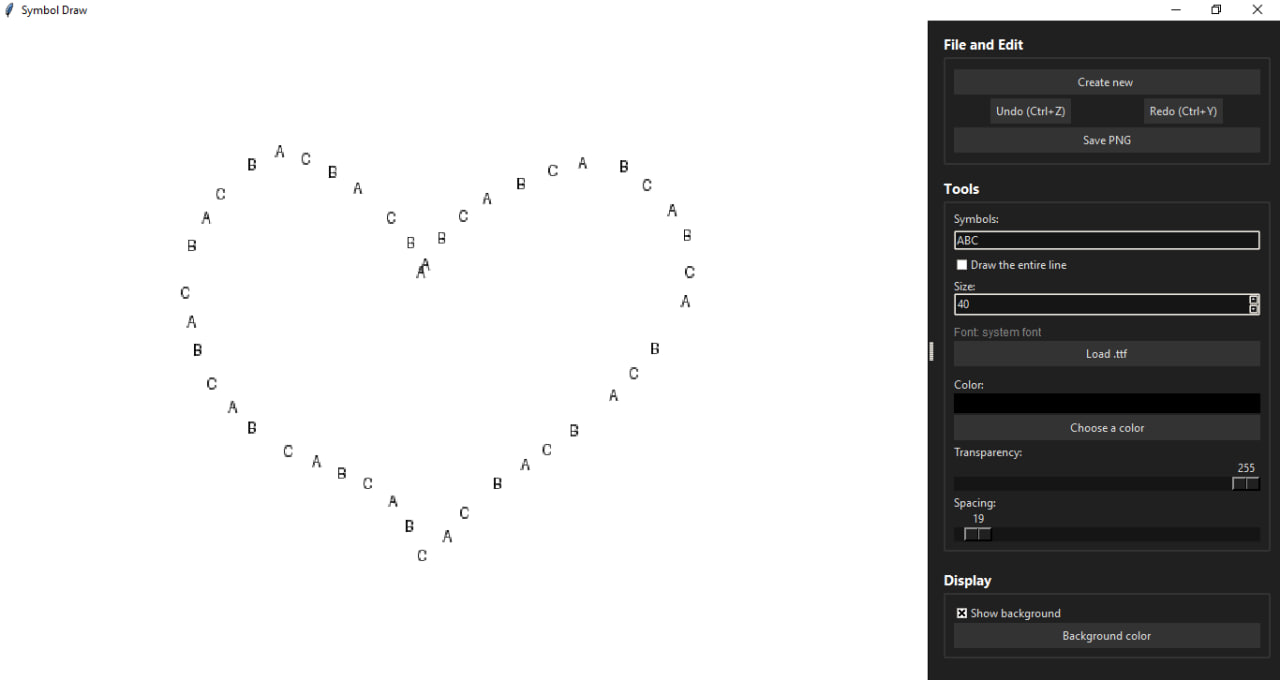
Symbol Draw is a lightweight drawing tool that uses glyphs from any installed font as your brush. The program allows you to "paint" with text directly onto a canvas.
Technical Features:
Any Font: Direct loading of .ttf and .otf files.
Dynamic Brush: Adjustable size, opacity, and character spacing.
Drawing Modes:
Cycle: Iterates through characters in a string as you move the mouse.
String: Renders the entire input string at once with a single click.
Navigation: Zooming and free canvas panning via Right Mouse Button (RMB).
Export: Save to PNG with support for transparency or a custom background color.
Hotkeys:
LMB — Draw.
RMB / MMB — Pan/Move canvas.
Wheel — Zoom.
Ctrl + Z — Undo.
Ctrl + Y — Redo (Ctrl + Shift + Z also works).
Short Description for Itch:
A tool for creating graphics based on text characters. Supports custom fonts, large canvas sizes, and transparency. Minimal interface — maximum control over glyphs.
Credits:
Developer: essofain
Made with: Python, Pillow (PIL), Tkinter.
Inspiration: Mr Typer
Download
Click download now to get access to the following files:
Leave a comment
Log in with itch.io to leave a comment.