Style Match
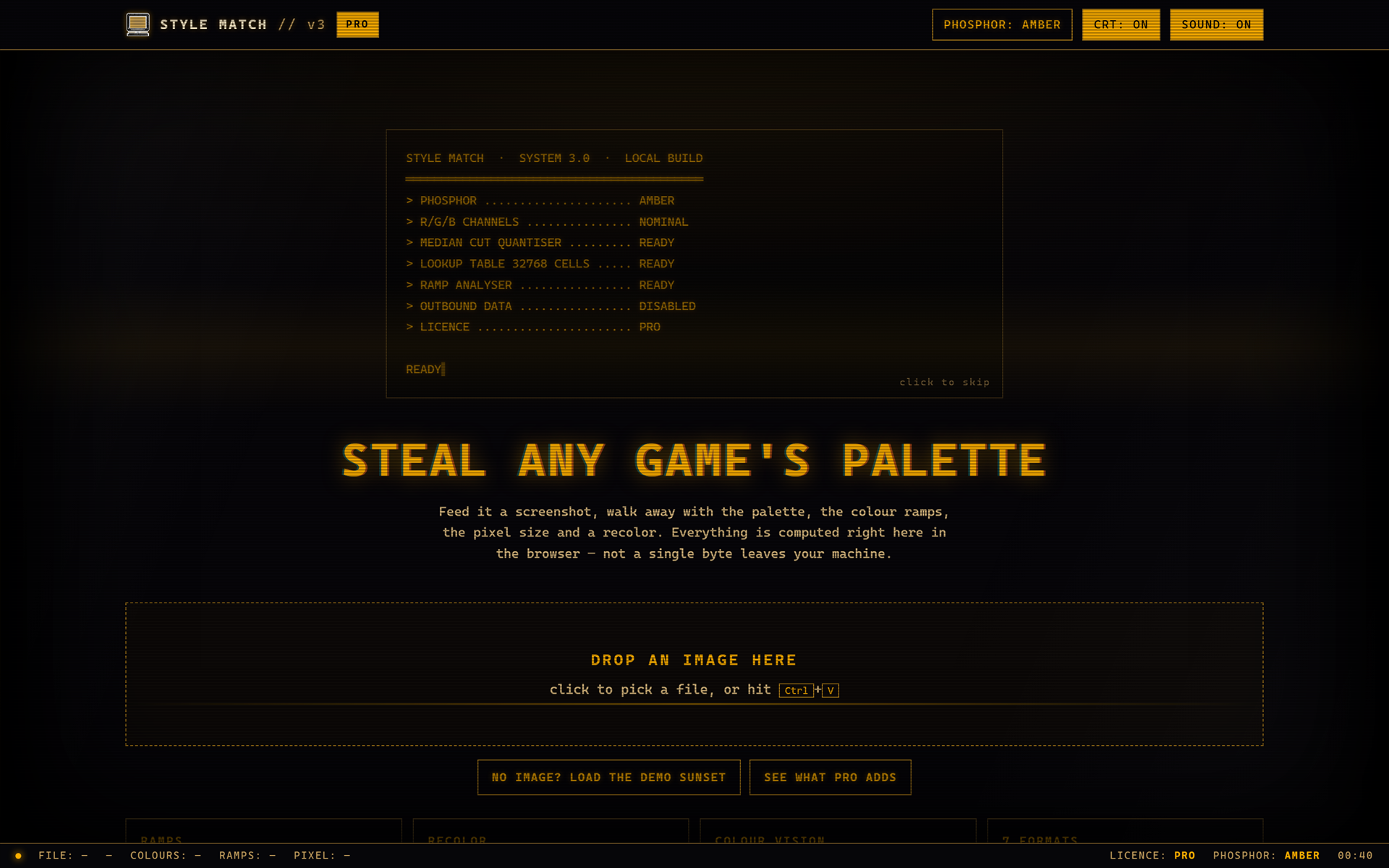
Steal any game's palette.
Drop a screenshot. Style Match pulls out the palette, groups it into colour ramps, works out the true pixel size the art was drawn at, and recolors anything you give it into that palette.
One HTML file. Double-click it and it runs. No install, no account, no sign-up, no server. It works with the wi-fi switched off, because there is no network code in it at all — your images never leave your machine, because there is nowhere for them to go.
Try it right here. The free edition is embedded on this page. Nothing is crippled, nothing is a demo, nothing expires.
What it does
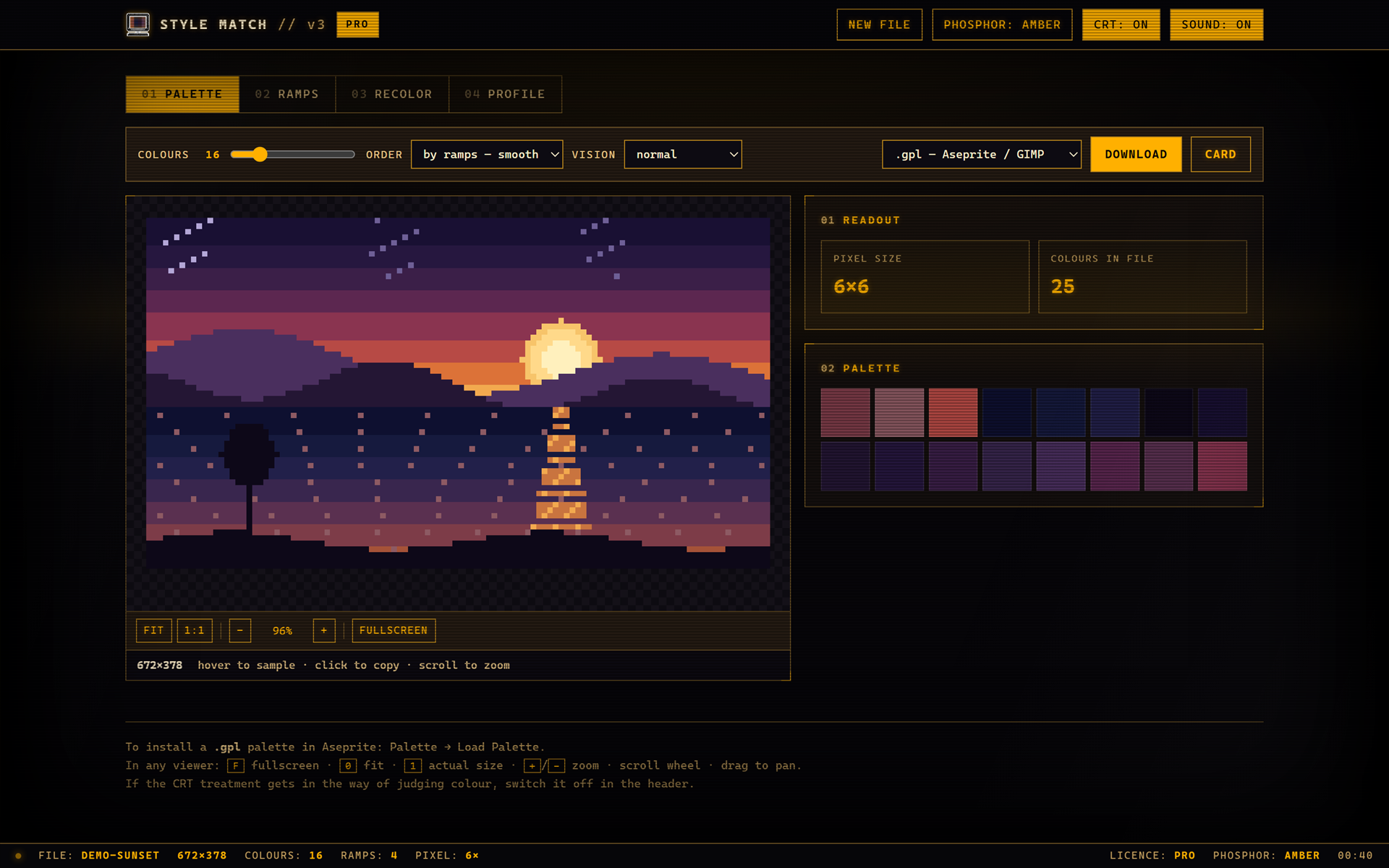
- Palette — up to 64 colours, sorted by hue, luminance or population
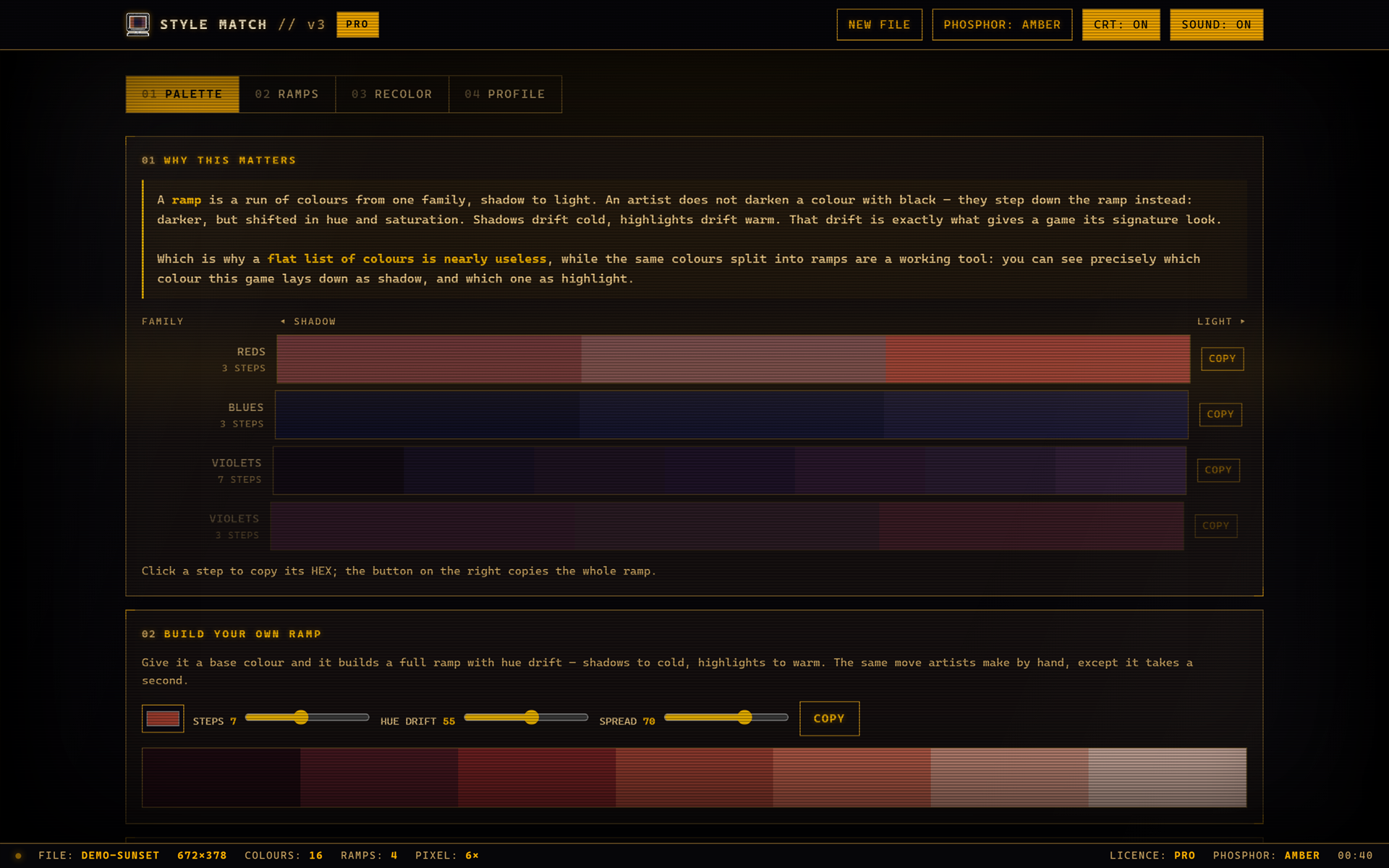
- Ramps — the palette grouped into the actual shadow-to-light ramps the artist used
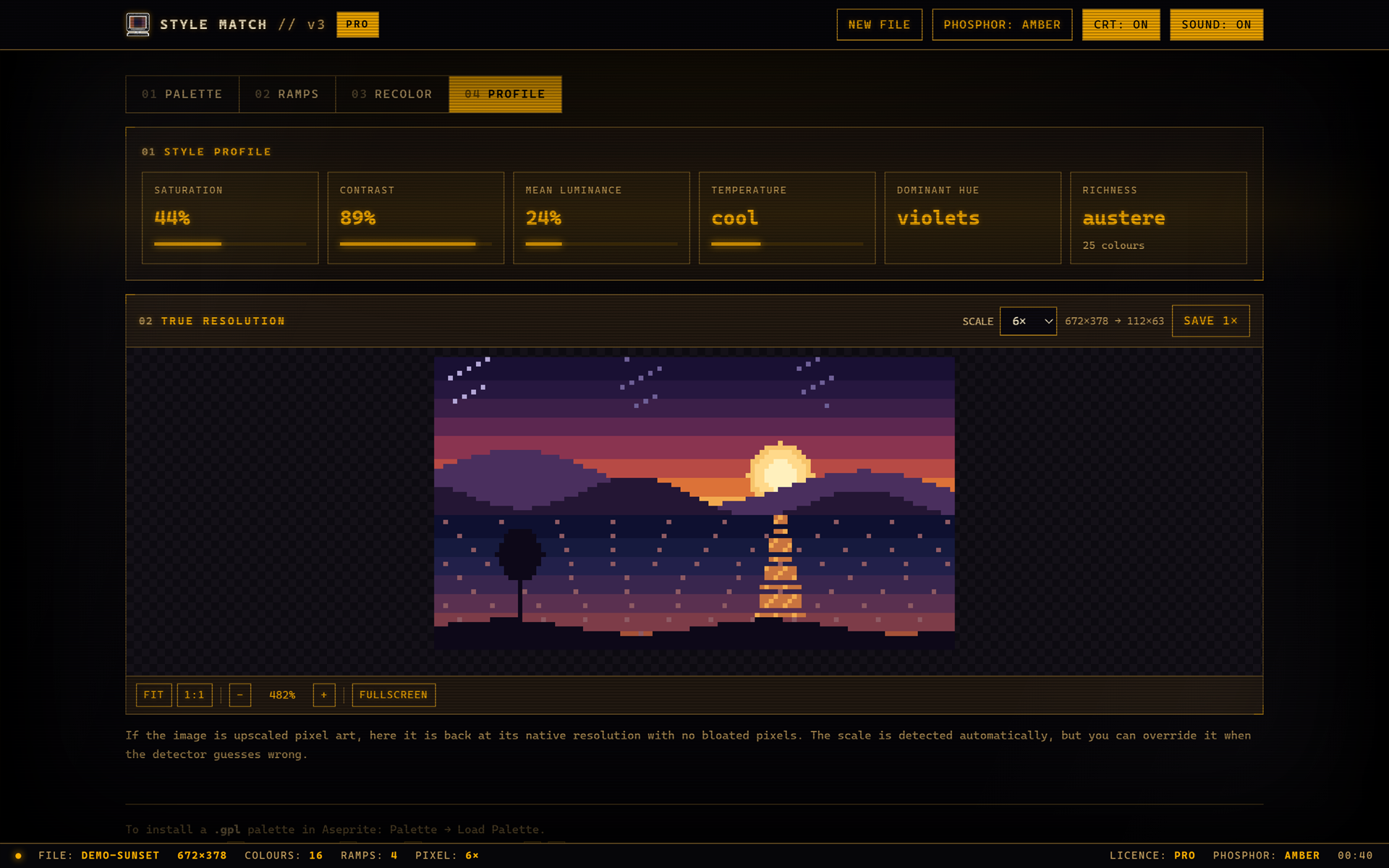
- Pixel size — detects the grid the art was really drawn on, so you stop guessing
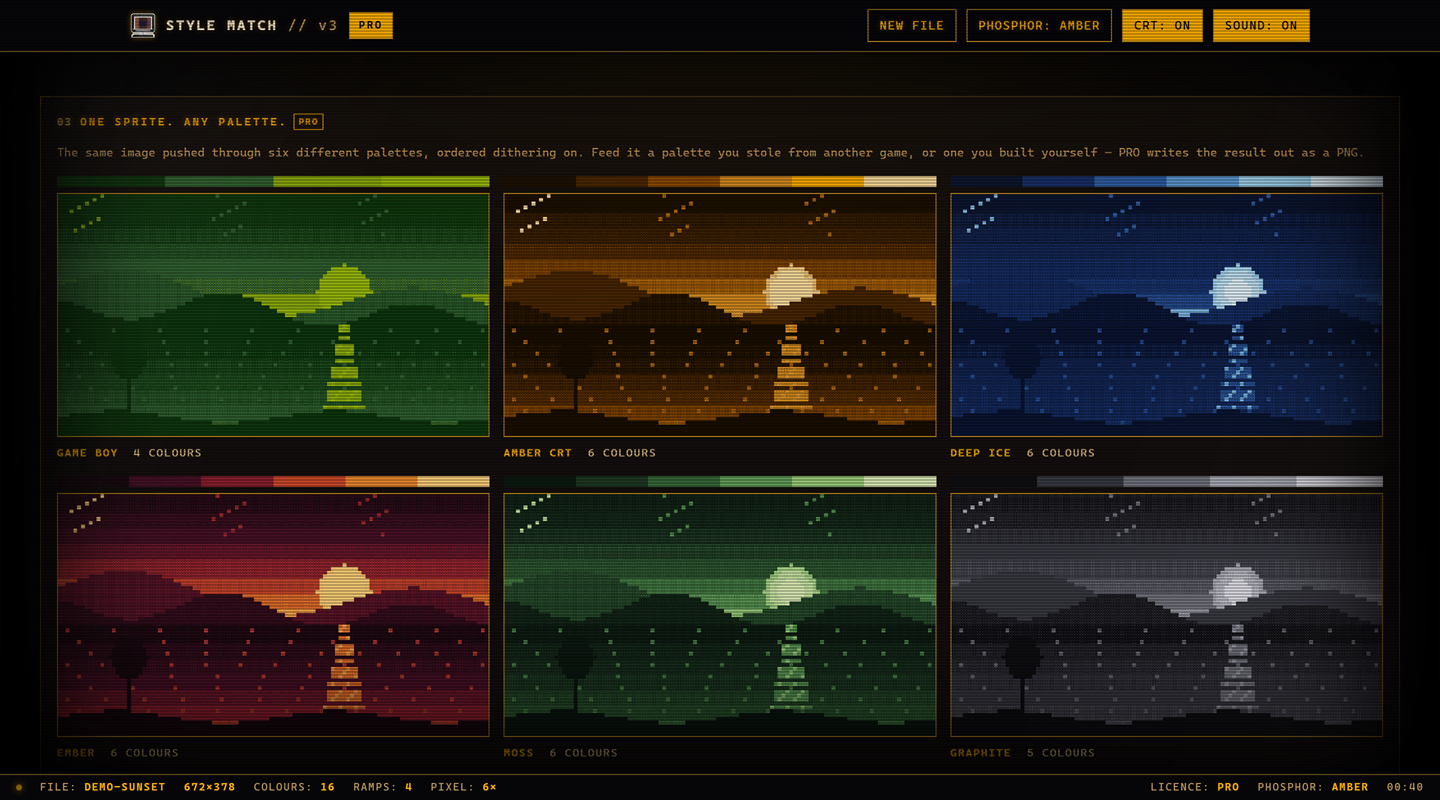
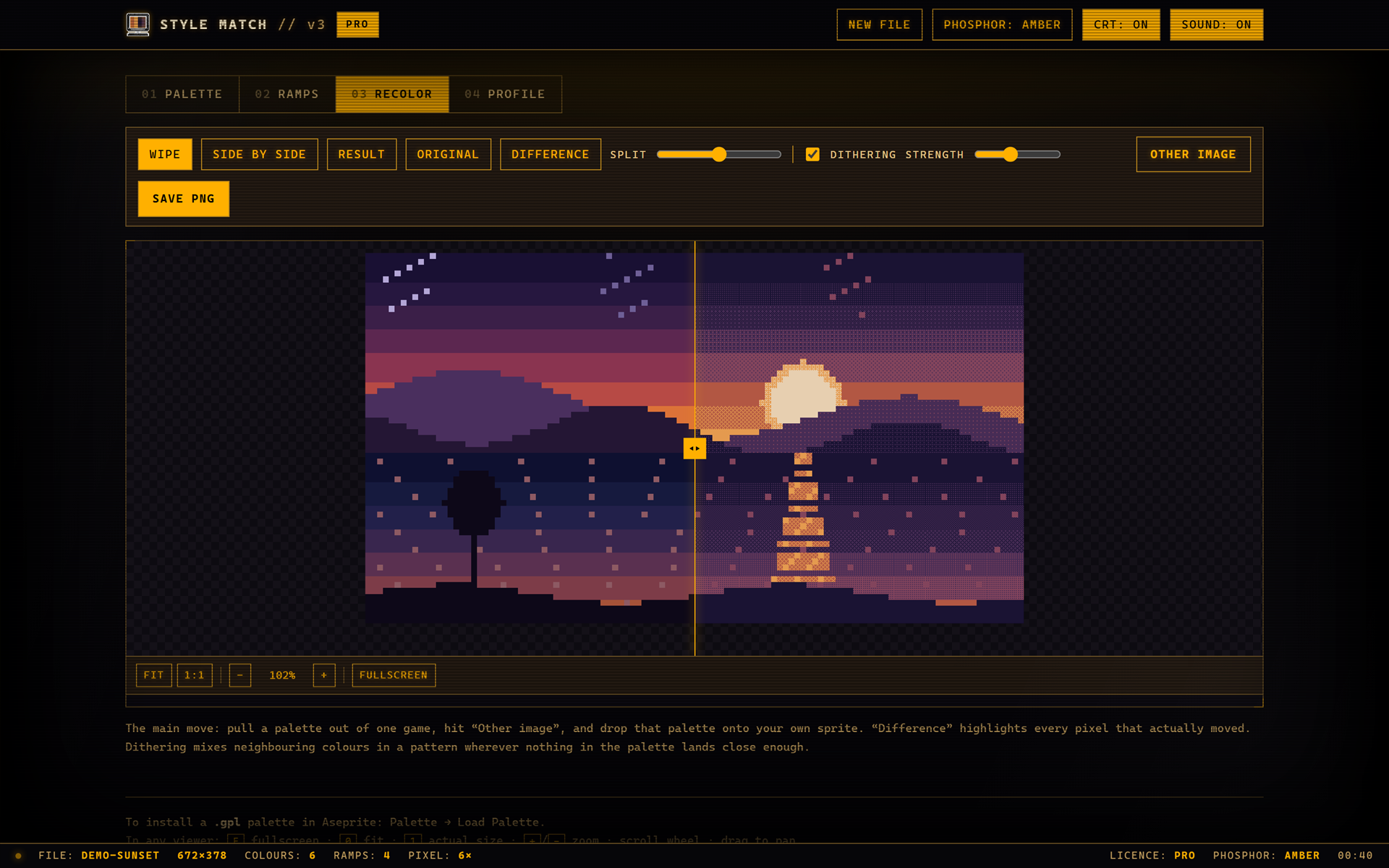
- Recolor — remap any image into the extracted palette, with a wipe slider to compare
- Dithering — ordered 4×4, adjustable strength, for when a small palette needs to stretch
- Ramp generator — give it one colour, get a full ramp with hue drift
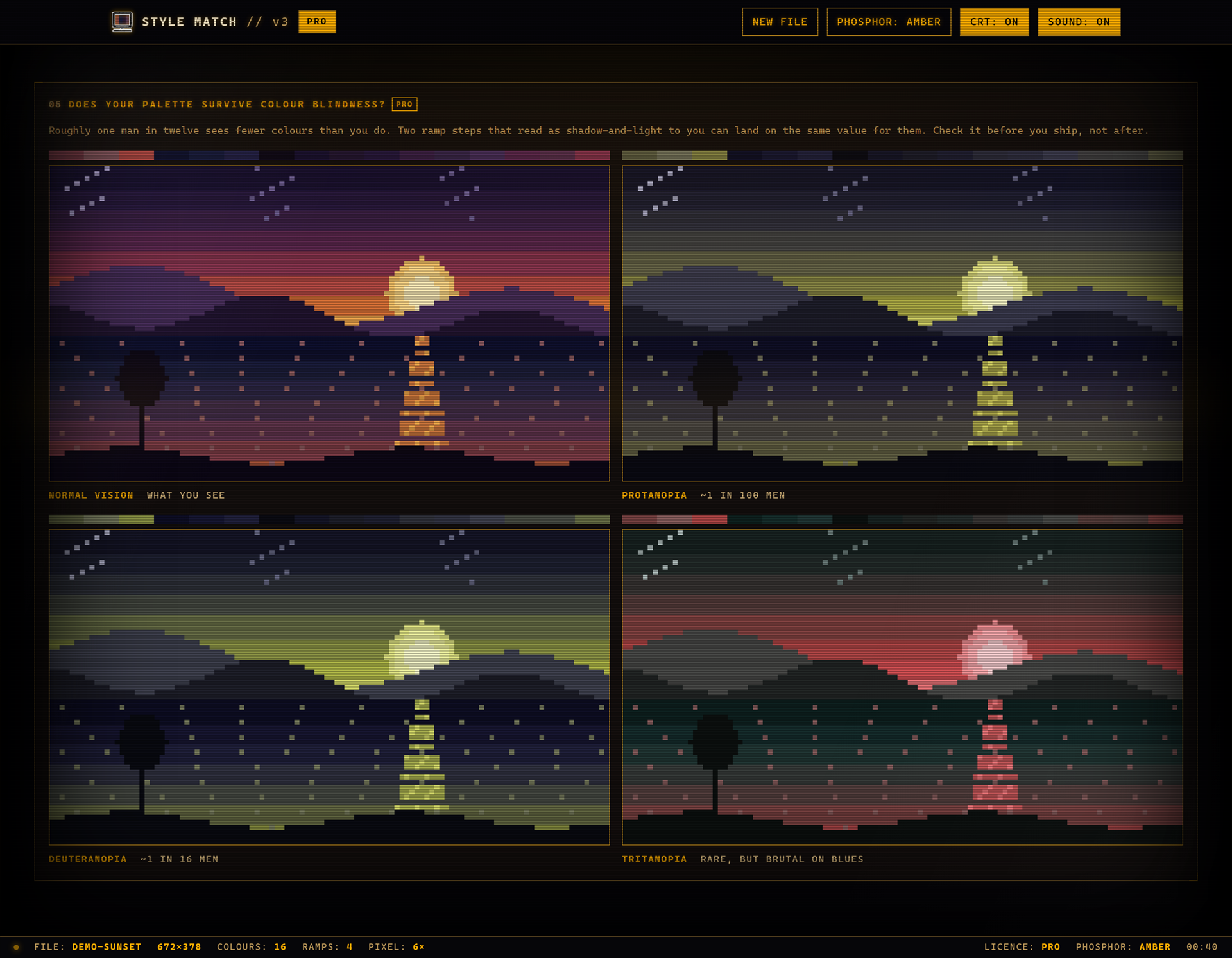
- Colour-blindness simulation — protanopia, deuteranopia, tritanopia, on the image and the palette both
- Export — .gpl (Aseprite, GIMP), .hex, .pal (JASC), .txt (Paint.NET), .aco (Photoshop), .css, .json
- Palette cards — a shareable PNG of the palette and its ramps
Scroll to zoom, drag to pan, click any colour anywhere to copy its hex. Ctrl+V pastes straight from the clipboard.
Free and PRO
| Free | PRO | |
|---|---|---|
| Palette size | up to 16 | up to 64 |
| Ramps, sorting, spread | yes | yes |
| Eyedropper, zoom, true size | yes | yes |
| Export .gpl / .hex | yes | yes |
| Export .pal .txt .aco .css .json | — | yes |
| Recolor preview | yes | yes |
| Save the recolor as PNG | — | yes |
| Dithering | — | yes |
| Ramp generator | — | yes |
| Colour-blindness simulation | — | yes |
| Palette card PNG | — | yes |
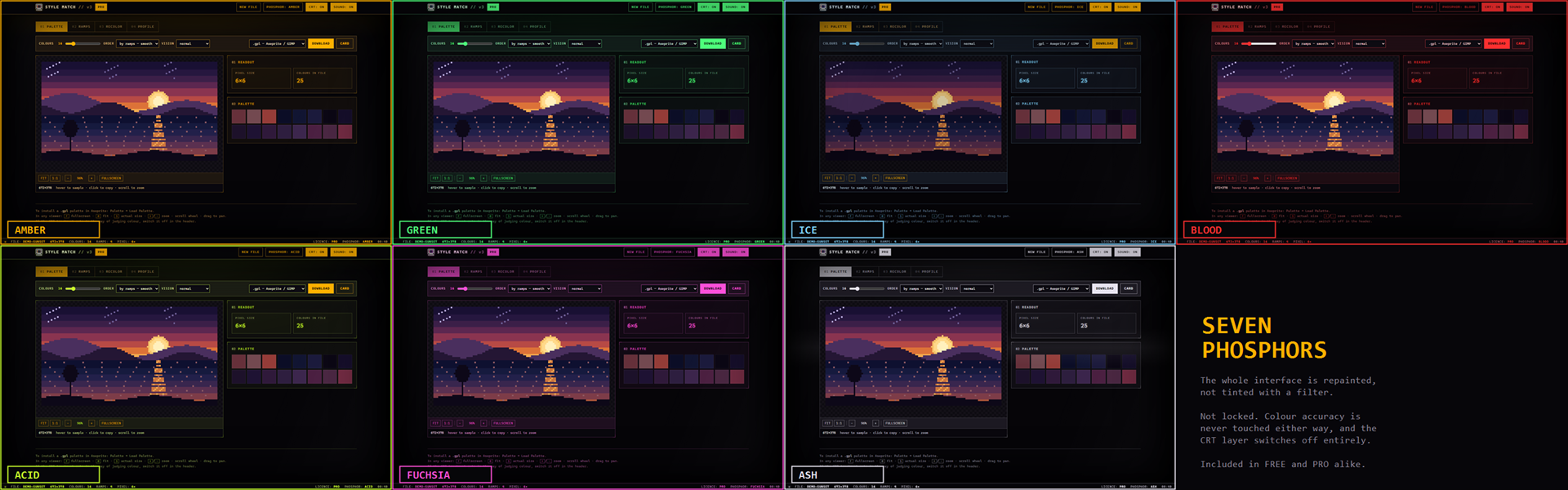
| All 7 phosphor themes | yes | yes |
The free edition is not a trial. It has no timer, no watermark and no nag screen, and it will still be here doing the same job in a year.
PRO unlocks at $2or more. Hit Download, pay $2 (or whatever above it feels right), and the PRO file appears alongside the free one. Anything under $2 is a tip and is very much appreciated, but it will not open the PRO download — itch cannot take a top-up later, so please pay the $2 in one go if PRO is what you came for.
PRO is a separate file you download. Buy it once, keep it forever — there is no activation, no check-in and nothing to phone home to. If you already have the free file, your key unlocks it in place so you do not have to keep two copies.
Who it's for
Pixel artists matching a reference. Gamedevs keeping one palette across a whole project. Anyone who has ever screenshotted a game, opened a colour picker, and started clicking pixels one at a time.
If you use Aseprite, export .gpl and load it with Palette → Load Palette. It takes about four seconds.
Honest notes
The CRT look — scanlines, curve, glow — is decoration, and it is a button in the header. Turn it off any time. Colour accuracy is never affected by it either way: the chrome is deliberately monochrome so the only real colour on screen is the palette you extracted.
Works in Chrome, Edge, Firefox and Safari. Desktop — it wants a mouse wheel and a real cursor.
Made by one person. Bug reports and feature requests are genuinely welcome: Discord kippensq_, or kippen2080@gmail.com.
Download
Click download now to get access to the following files:
Development log
Comments
Log in with itch.io to leave a comment.
Oh yeah bro that tool is so useful for me(im an onlyfans streamer btw), so tnx
super mega ultra sigma 67![]()